My Agent Keeps Writing Last Year's Code
The cheap bug is the one that crashes, and the expensive one compiles. Context7’s maintainers show the cheap kind in a guide on outdated agent code: an agent writes the import every tutorial used for a year, and version 2 of the MCP Python SDK, which renamed FastMCP to MCPServer, answers with a ModuleNotFoundError. That one at least screams. The quiet kind is the costly one, an old call that still runs today and dies on the next major upgrade. Three projects argue this week about who should tell the agent what changed, and I lean toward the answer that needs the agent to decide the least, which means docs that ship inside the package.
How do you stop a coding agent from writing code for last year’s version of the web platform or of your framework? Every figure below is a vendor scoring its own test, and nobody without something to sell has reproduced any of them. I read the code, the docs and the threads, and I ran none of the three.
Modern Web Guidance
Chrome's answer to fifty lines of 2019 JavaScript: a curated skill, a search command that runs on your machine and a scanner for the old patterns already in your repository.
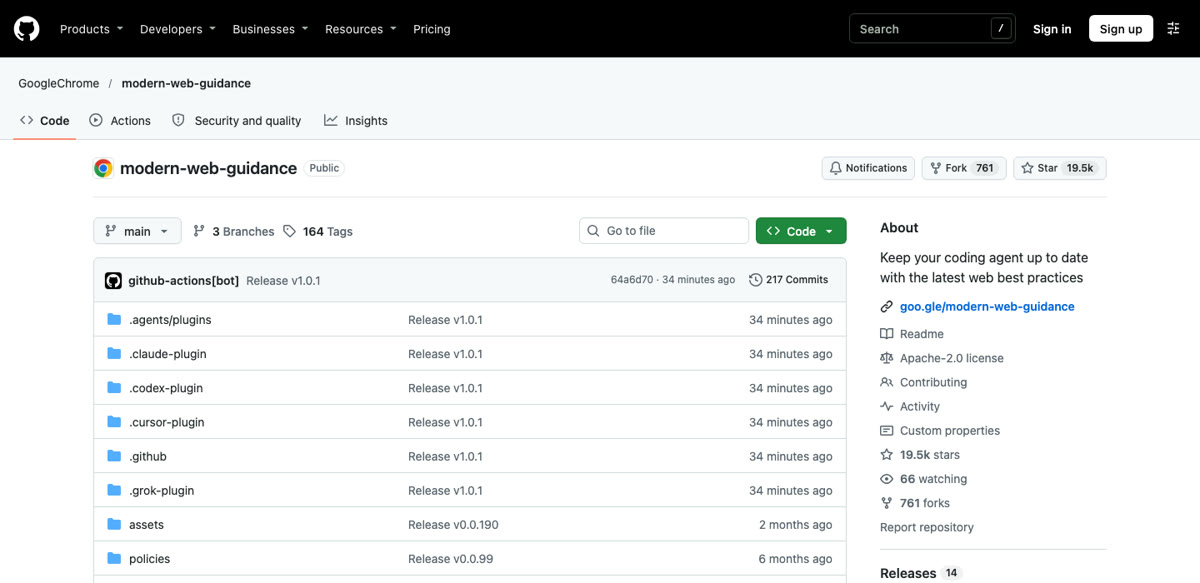
The repository is Apache 2.0, created in March, with 19,457 stars and 761 forks and a release pushed the morning I looked. The README says the Chrome, Edge and Firefox teams and MDN steward it. The launch thread on Hacker News, posted by paulirish, describes over 200 guides of about 1.7MB, a pure JavaScript search that answers in roughly ten milliseconds on your own CPU, and a scanner called legacy scan, trained on 30,000 GitHub repositories, with a claimed 92% average precision on repositories it had not seen. Installing is one npx command. The skill is written to activate on frontend tasks, and the command line returns only the guides that match, so the agent’s context does not fill up with all of them.
The numbers deserve a squint. The launch post says agents passed 55% of about 1,700 browser and syntax assertions unguided and 92% with the guides, across 200 tasks. The Chrome documentation page now says about 51% against 91%. Same project, same week, and the baseline had already moved four points. I would love to read the changelog of a benchmark. The Chrome launch post adds a customer, a company called note, which ran 180 evaluations on its production Next.js codebase and saw modern web checks pass 94% of the time against 61% before.
The objection arrived within the hour. A commenter, lelandfe, wrote that “I’d expect the default here to be Widely Available only”, with the new features as an option for the courageous. That is the right fear, since the guides recommend features that only Chrome ships. A commenter, atopal, replied that the skill assumes Baseline Widely Available unless told otherwise. Philip Walton, who answered across the thread, wrote that “the skills document how to use these features to solve common use cases”; the guides then hand the agent a browser support table for any API that is not widely available and let it decide. A Chrome run project grading itself on web features is the kind of report I read with a pencil in hand.
The skill file made me laugh. Its description opens with “MANDATORY: Execute FIRST for all HTML/CSS and clientside JS tasks. Do NOT skip”, then lists what it must not trigger on. Somebody spent nine months on this project, and part of the result is a description that begs a model to open it, because a skill nobody opens is worth nothing, as Vercel’s January experiment further down shows. Whether the begging works on your agent is the whole question, and the project’s own eval is the only evidence that it does. The skill file does not spell out the Baseline default or a telemetry setting, so write your own browser floor into your instructions, and set the telemetry opt out variable the launch post names before the first run.
My verdict: the pick for anyone shipping a frontend, and the scanner is the part I would run first, since it finds the old patterns already in your code, which no docs lookup can. Keep the compatibility floor stated in your own instructions instead of trusting the default.
Context7
A hosted registry of library documentation that your agent queries by name, for the long tail of libraries nobody ships a skill for.
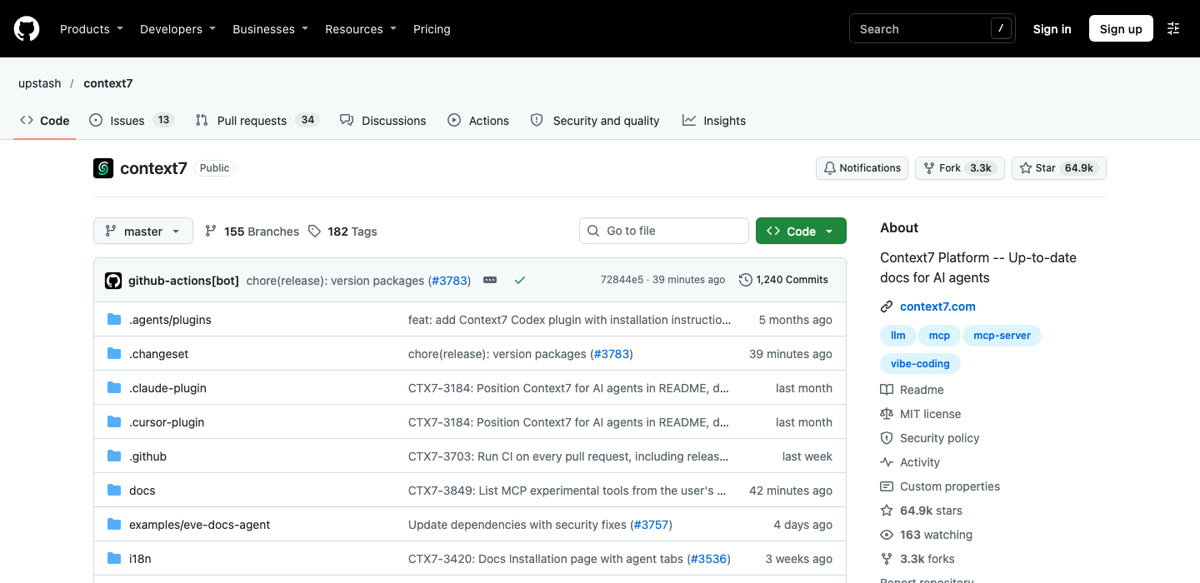
Context7 comes from Upstash and has 64,917 stars and 3,257 forks under an MIT license, created in March 2025 and pushed the day I looked. Read the README footnote before the star count: the repository holds the MCP server, and the API backend, parsing engine and crawling engine are private. You choose a mode at setup. One runs a command line plus a skill, the other registers an MCP server. The agent sends a library name and a question, and docs for that library come back. The privacy answer on the plans page is that only the query and the library name leave your machine, not your code.
The cost has a unit, and the unit is calls. Free is 1,000 API calls a month for public libraries, and free users are blocked at the limit. Pro is $10 a seat a month with 2,000 calls per seat, then $5 per 1,000, and parsing a private repository costs $5 per 1M tokens. My guess, not the vendor’s: a blocked agent keeps working and falls back to what it remembers, which is the original bug, so I would set up an API key on day one.
The catch has a name. In February 2026 Noma Labs reported that Context7’s custom rules, up to 50 rules of 255 characters that a library owner could attach, were passed to agents word for word. Anyone with a GitHub account can register a library, so a stranger could add rules telling an agent to read your .env files, post them to a GitHub repository and delete files. Noma’s demo did all three. Context7’s own account says the fix was deployed on February 23, an injection check now runs before a rule, title or description is saved, and no exploitation in the wild was observed. VulnCheck’s entry for the same flaw, filed as CVE 2026 75130, went up on August 18, rated medium at 6.4, affecting versions through 2.1.2 with no fixed version named. My reading: a late label on a hole closed in February, and the fixed version column is empty because the fix never was a version. Credit where it hurts: Upstash wrote the whole embarrassing story down itself, which is more than most vendors manage after a CVE. I winced at the principle underneath it: a registry that serves other people’s text into your agent’s context is an instruction channel, and I treat everything it returns as untrusted.
The vendor’s own guide says its snippets passed all 84 test runs using a tenth of the tokens of full web pages. That is the vendor testing the vendor, and the same guide lists three fixes, rules files, a docs tool and lint in CI, of which it sells one.
My verdict: the pick for the long tail, the library with no skill and no bundled docs, with a key set, the call limit watched and its output treated like a stranger’s pull request. It is the one I would not install on a machine holding production credentials until I had read the rules settings.
Next.js Bundled Docs
The framework ships its own documentation inside the package, so the docs your agent reads are the ones for the version in your lockfile.
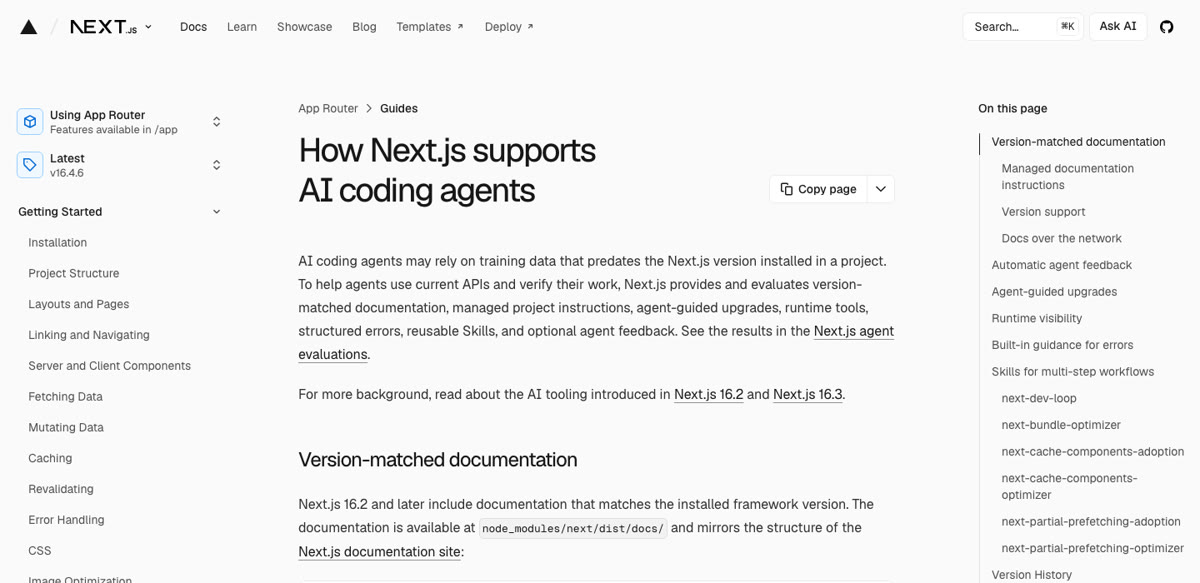
This is the least glamorous pick and the one I would reach for first. According to the Next.js guide, Next.js 16.2 and later include documentation matching the installed version at node_modules/next/dist/docs. From 16.3 a managed block in the project’s AGENTS.md points agents at those files, on by default, and upgrading Next.js updates the docs with it. Version 16.1 and earlier have neither, and a codemod can download a copy. No registry, no account, no call limit, and nothing arrives from a stranger.
The reason is in a Vercel experiment from January, built on Next.js 16 APIs that were missing from model training data. Without docs, agents passed 53% of the tasks. With a docs skill left to its own devices, also 53%, because in 56% of runs the agent never opened it. The manual sat on the desk and nobody opened it, which is the most human thing I have read about agents all year. Telling the agent to use the skill got 79%, and the exact wording of the instruction changed the result. An 8KB docs index sitting in AGENTS.md, compressed from about 40KB, hit 100%. The explanation Vercel offers is that nobody has to decide to look anything up.
That finding frames the other two picks, since each one hangs on the agent choosing to call it. It is one skill, one framework and one vendor’s tests, so I would not stretch it far. I would stretch it exactly far enough to worry about the other two.
The current Next.js eval table, last run October 30, softens the story and sharpens it. Its footnote says both conditions can reach the bundled docs, and the second column adds the AGENTS.md pointer. A task passes if any of four attempts passes, which is generous. Claude Opus 5.5 and GPT 6.1 Terra reach 100% without the pointer. Claude Sonnet 5 goes from 82% to 100% with it, and GLM 5.2 also from 82% to 100%; I checked both rows because the match looked like a copy slip, and it is real. So the docs on disk were not enough for the cheaper models, and the one line telling them where to look was. The gain shrinks as models improve: zero points on the frontier models, eighteen on the cheaper ones.
My verdict: if your framework ships its docs, this is the default and the other two come after. Its limit is that it exists only for one framework, and the question was never about one framework.
Where the Fresh Knowledge Lives
| Modern Web Guidance | Context7 | Next.js Bundled Docs | |
|---|---|---|---|
| Who writes the knowledge | Browser and MDN experts | Library owners and a crawler | The framework’s own team |
| Where it lives | A skill and a local search | A hosted registry | Inside your installed package |
| Version matched to you | By browser support level | By library, through the registry | Exactly, from your lockfile |
| Who decides to fetch it | The agent, through the skill | The agent, through a rule or skill | A line in AGENTS.md |
| Cost | Free | Free to 1,000 calls a month, then $10 a seat | Free |
| Biggest risk | Vendor graded evals, Chrome heavy defaults | Served text can carry instructions | Only for one framework |
What I Would Wire Up on Monday
A Next.js project goes first: I would keep the bundled docs block in AGENTS.md and not touch it. A frontend of any kind gets Modern Web Guidance on top, and I would run the scanner before anything else, then write my browser support floor into my own instructions. Everything else, including the Python SDK that renamed itself, goes to Context7: a key on day one, the call count checked weekly, and every answer read like a stranger’s pull request.
The problem none of them solves is that old code is still allowed to run. In the pages I read, none of the three describes failing a build as part of the product and the scanner is billed as a migration aid paired with agent review. The cheapest fix I know is the dull one: a lint rule that bans the old FastMCP import and a test that calls the new API, so the answer lands in CI before it lands in production. Docs tell the agent what changed. Only a red build tells it no.