Somebody Is Clicking Your Apps. It Isn't You.
Anyone who has run a UI automation script on their own laptop knows the moment: you are halfway through a sentence in one window and the script types the second half into another. For a year the polite answer was a virtual machine, so the agent got a screen of its own and you got your mouse back. Three tools now argue for sharing your screen instead. All three shipped code this week, and I would start with the one that never forges a click at all.
When an agent has to use an app that has no API, how does it click without taking over your mouse, your focus or your screen? Every figure below comes from the code, the docs or a thread. The demo reels got a pass.
Agent Desktop
Skip the click. Read the app's accessibility tree and ask the button to press itself.
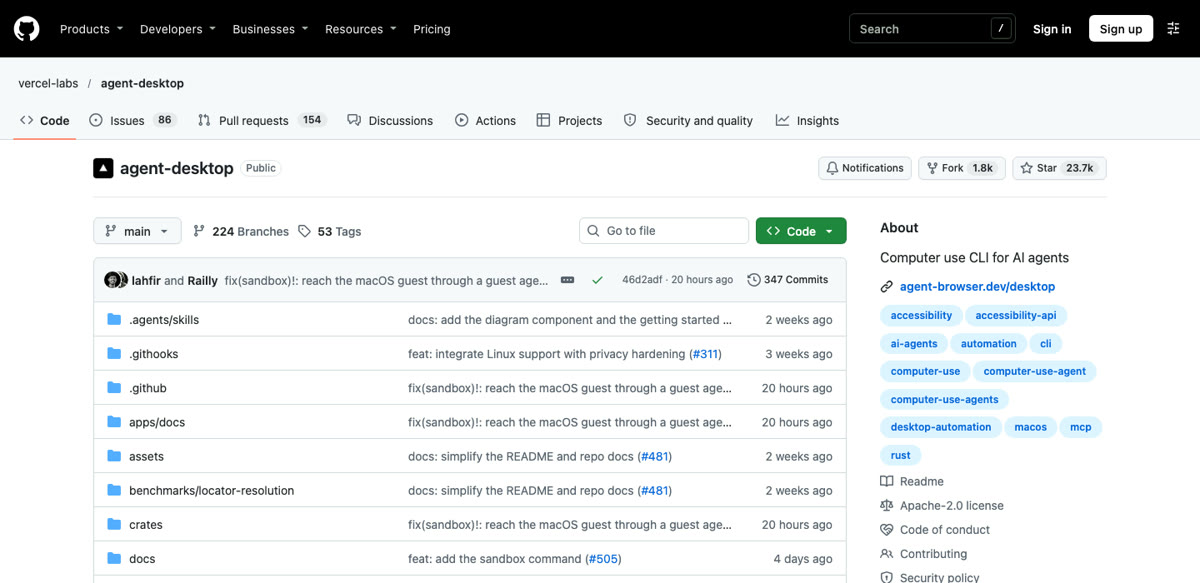
Agent Desktop comes from Vercel Labs, which also makes the browser version of the idea. It is a Rust command line tool and C library under Apache 2.0, with 23,706 stars and 1,765 forks on the day I looked, a repository created in February and a push the same day. That is a lot of bookmarks. The push on the same day is the number I care about, because it means somebody is home. It asks the operating system for the same accessibility tree a screen reader uses (the AX API on macOS 13 or later, UI Automation on Windows 10 1809 or later, AT SPI on Linux) and returns every element as JSON with a ref. The agent acts on a ref, reads the tree again to check, and repeats. No model sits inside; the loop is your agent’s, so your own model is the only bill. Ref actions, the README says, run without moving the pointer or taking focus, and a headed flag lets you fall back to physical input. It also runs as an MCP server.
Since nothing is forged, nothing can go missing in transit, and that is why I would try it first. The price is that the app has to describe itself. The FAQ says it plainly: an app that publishes no accessibility tree is not visible, and the macOS page adds that custom drawn interfaces come back with few nodes or none. I also liked that the same page admits its macOS behavior was checked against the code and tests and “was not run for these docs.” Few projects write that sentence, and I trust the others a little less for never writing it.
The permission is the part to read twice. On macOS the Accessibility grant belongs to the app that launched the tool, such as your terminal. That part is my inference, so check it on your own machine: every agent you start from that terminal inherits the grant, and with it your hands. The README also warns that snapshots, clipboard reads and screenshots can contain private desktop content and should stay out of public logs.
My verdict: the default for native and Electron apps on a Mac or Windows machine. Point it at anything custom drawn and it stares at a blank wall, so skip it there.
Cua Driver
Forge the click, but address it to one process and leave your windows where they were.
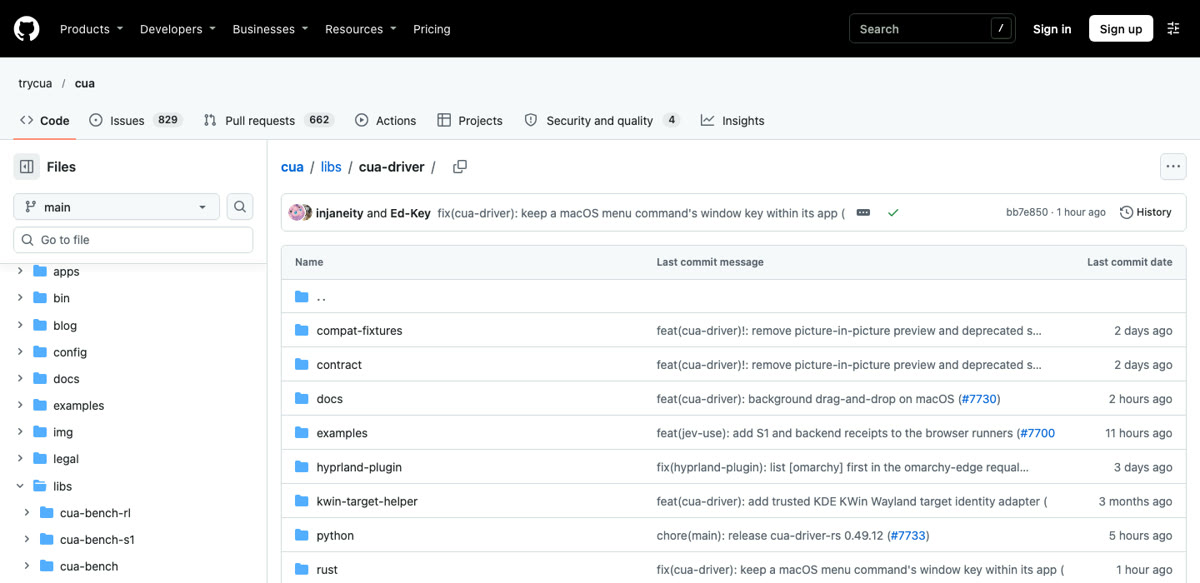
Francesco from Cua posted the Show HN on April 28, saying it was hacked together over a weekend after Codex shipped background computer use. It drew 192 points and 43 comments. The driver is MIT licensed and costs nothing; it installs with a script. Cua is a Y Combinator Spring 2025 company, and YC lists Francesco Bonacci as founder and CTO, previously at Xbox and Microsoft AI. The company’s own pitch is a cloud desktop for agents, which I did not price. The driver lives in the Cua repository, whose 32,347 stars cover several projects and say little about the driver alone. The thread lays out why background clicking is hard on a Mac. The public call that posts input moves your cursor. The per process call leaves the cursor alone, but Chromium drops those events as untrusted. Activating the app first raises its window and can drag you to another Space. Cua’s way out is private macOS window server calls, plus a primer click aimed at a pixel that does not exist, after which the real click lands without the window ever coming forward. It is the most polite forgery I have read about. Their own write up says of it: “None of this is documented.”
The part I respect is that the team says where its own aim fails. In the thread Francesco says native Mac apps usually have rich trees, Chromium family apps often need trees and screenshots together, and tools like Blender or CAD programs may expose almost nothing. So this is the pick for an app with a thin tree, and it ships a screenshot route to cover it. That optional perception extension carries a warning: its icon detector is AGPL 3.0 only, unlike the MIT driver.
Permissions: macOS asks for Accessibility and Screen Recording, and the docs say the default permission mode lets it send input to every app on the machine.
The sharpest reply in the thread came from an ex Apple engineer, LatencyKills, who liked the work and then wrote: “My only criticism is enabling telemetry by default.” Francesco answered the same day, agreed it was fair criticism, described the data as command level events and basic environment details without screenshots, typed text or file paths, and said the opt out path should be clearer. Good answer. I still want a tool that can read every window on my machine to start with everything off, and a good answer does not change a default.
The whole trick stands on borrowed ground. My guess, not the team’s: private calls are a lease, and Apple can end it with any macOS update. The docs list cases that still need the foreground, including apps that accept only foreground input and app launches that raise a window. A writer at Yozm IT, a Korean developer magazine, ran five desktop scenarios. The background new document shortcut was rejected, and once the background rule was lifted, typed Korean text came out garbled. Setting the value through the accessibility path then worked. One author and five scenarios is a small sample, and in it the tree worked where the forged keystroke did not.
My verdict: the one I would call when the app has a poor tree or lives in Chromium. Pin the version, expect the foreground to come back now and then, and open the telemetry setting before you open anything else.
Agent VScreen
Give the agent a screen of its own: an invisible one, on your phone.
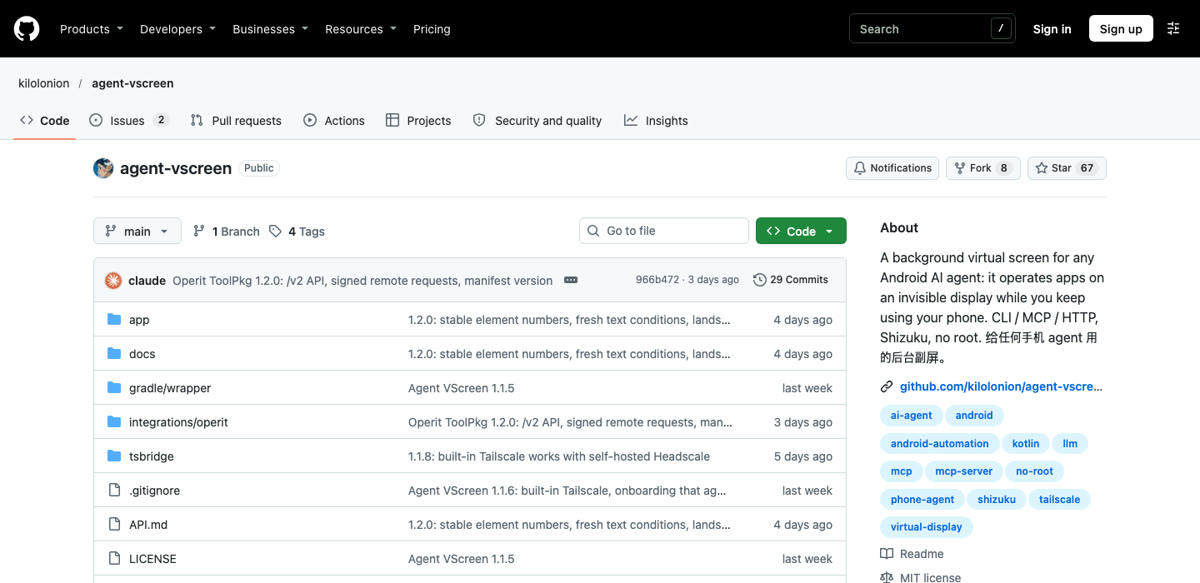
The repository is a week old and speaks Chinese first. I could not find a name or a company behind it. The GitHub account is kilolonion, the repository was created on November 7 and has 67 stars and 8 forks, and the release is version 1.2.0 under MIT. The app’s interface and the main API document are in Chinese, and I found no reports from outside users.
It earns its place with the one thing the desktop tools lack: a screen the agent owns and you never see. It targets 11 or later on arm64 (14 or later recommended) and needs Shizuku, a separate tool that must be running, but no root. Apps run on an invisible virtual display while you keep using the phone. The agent reaches it by command line, MCP or HTTP, and it reads each screen by merging the accessibility tree with on device text recognition into numbered elements, so it can tap number 7 or tap by text. No model lives on the phone; your agent decides.
Where it puts the permission is the best idea in this issue: on the phone, at the moment of the click. The README describes two levels. The default, hands off, interrupts you only for steps that spend money (pay, place an order, transfer, top up) and for apps you set to ask every time. The careful level also asks before irreversible buttons. The activity log records typed text as a length only. In the docs I read, neither desktop tool above asks anything once the grant is made.
Then the default spoils it: hands off has already decided that only money matters, so it waves through the message to your boss, the one send I would pay to stop. Who it is for today: someone with a spare Android phone and a tolerance for Chinese menus, running the careful level and reading the activity log more than the demo. I would recommend it outright once outside users have run it, the API document exists in English and the default asks before a message goes out.
Where the Click Lands
| Agent Desktop | Cua Driver | Agent VScreen | |
|---|---|---|---|
| Where the click goes | The element’s own accessibility action | A forged input event for one process | A hidden second display |
| Platforms | macOS, Windows, Linux | macOS first | Android 11 or later |
| Sees an app with no tree | No | Partly, with screenshots | Yes, through text recognition |
| Who holds the permission | The terminal or IDE that launched it | The Cua Driver app, whose default mode allows every app | Shizuku, plus phone prompts for money steps and chosen apps |
| License | Apache 2.0 | MIT, one AGPL extension | MIT |
Who Gets My Mouse
On a Mac or Windows machine with ordinary apps, I start with Agent Desktop and give it the tree before anything else. If the app draws its own interface or lives in a Chromium window and I need it driven while I keep typing, I move to Cua Driver, pin the version and check the telemetry setting on day one. For an Android app with no API, Agent VScreen on a spare phone at the careful level, and I would read its log every evening for a week.
The problem none of them solves is whether the agent should click at all. Each one proves a click can happen quietly. None can tell you it was the right button, and you usually learn about a quiet click from the reply.